How to Play Anomaly Detected: Beginner Guide
How to play Anomaly Detected on Roblox — the shift loop, Anomaly Log reporting, quota, fails, overwhelm, controls, and how co-op works.
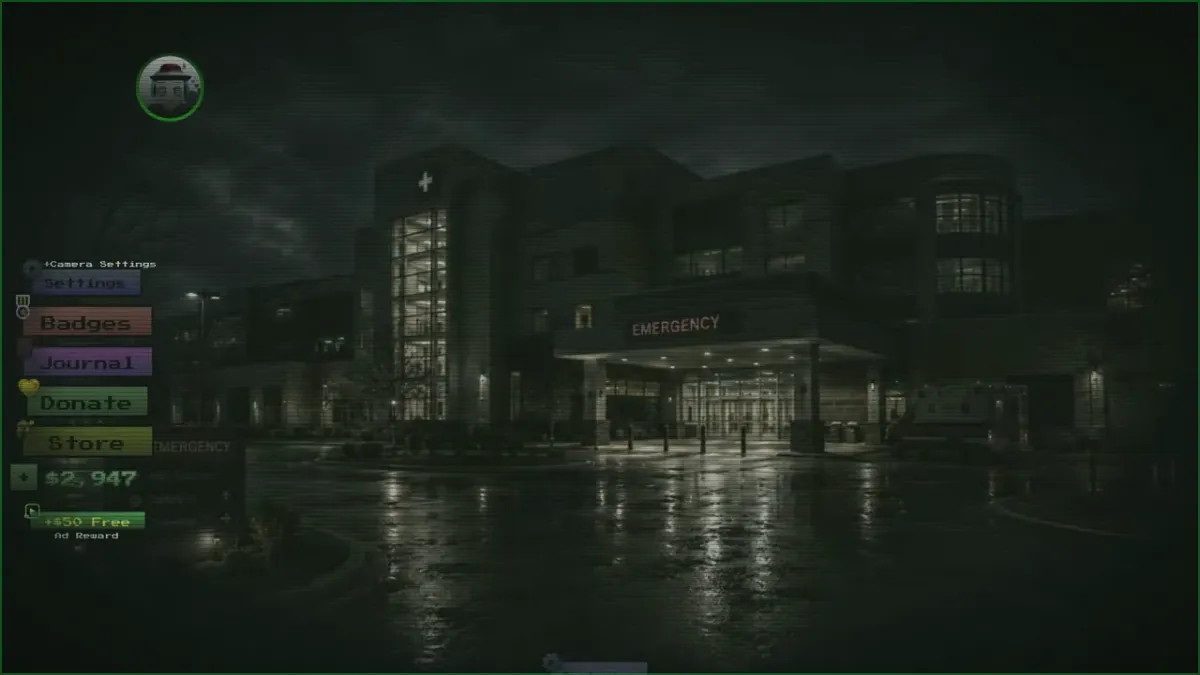
You are a surveillance contractor. Clients report strange activity on their property, and your job is to watch the security cameras overnight, catch anything unnatural, and report it so it can be dealt with. The whole game lives in the gap between what a room looked like a minute ago and what it looks like now.
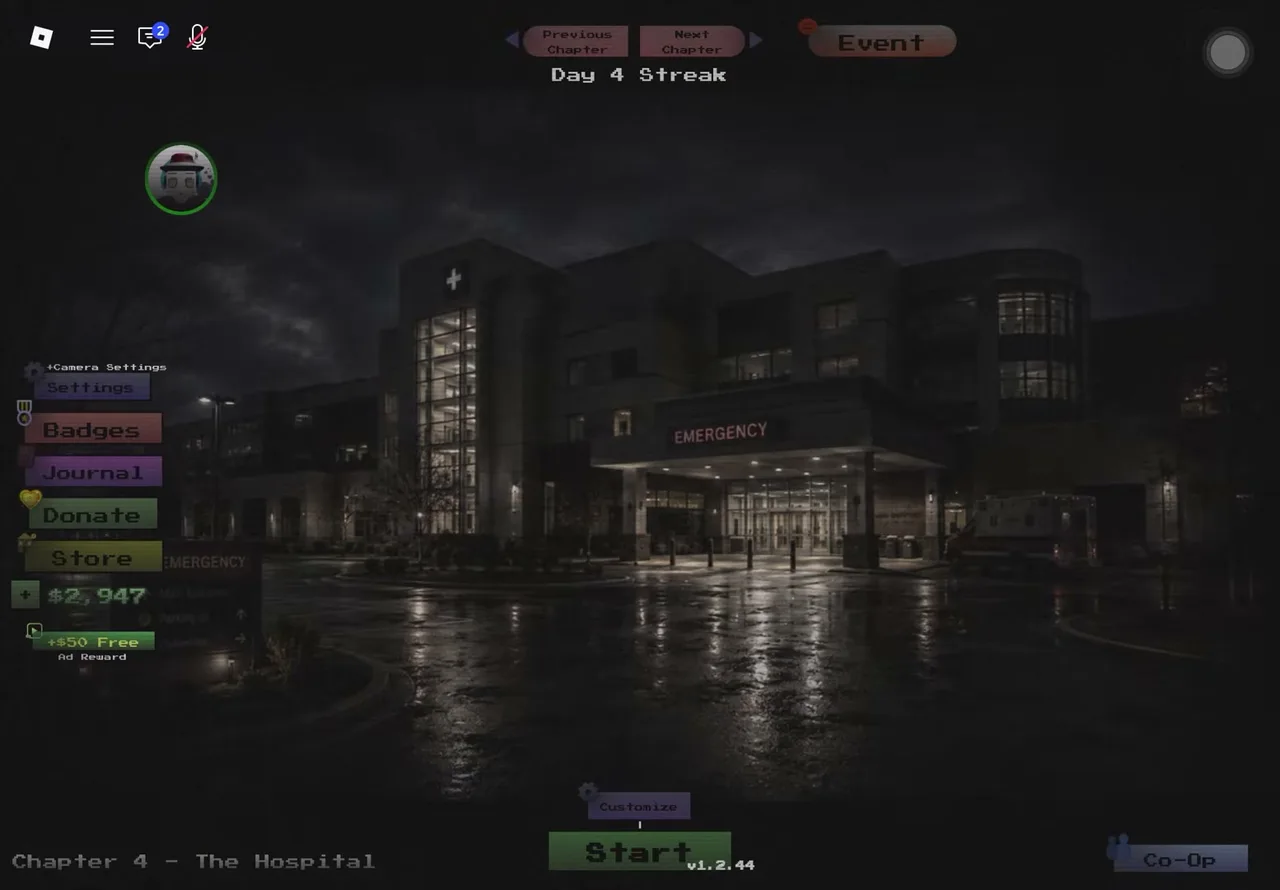
The main lobby: chapter select up top, Settings / Badges / Journal / Store down the left, cash and Day Streak counters, and a Co-Op button bottom-right. (Community gameplay capture, version v1.2.44.)
What is the goal of a shift?
Every shift is a contract on one property — a chapter. You win by filing enough correct reports to meet the quota before the anomalies overwhelm the site. Finishing a chapter on any difficulty unlocks the next contract, from The Residence through the newest live site, The Hospital — with The Mall arriving ~September 20.
How does the core loop work?
- Memorize the rooms. At the start of a shift, cycle every camera and learn what each room is supposed to look like — object positions, lights, shadows.
- Watch the feeds. Keep cycling. Anomalies appear gradually: a chair rotates, a door vanishes, a shadow shows up with nothing casting it.
- Report it. Tap the Report button on your HUD, pick the room and the correct category — there are nine anomaly types, and picking the wrong one costs you a fail.
- Hit the quota. Each correct report removes the anomaly and counts toward your quota — 12 anomalies per shift on every chapter observed so far. Meet it and the shift ends in a payout.
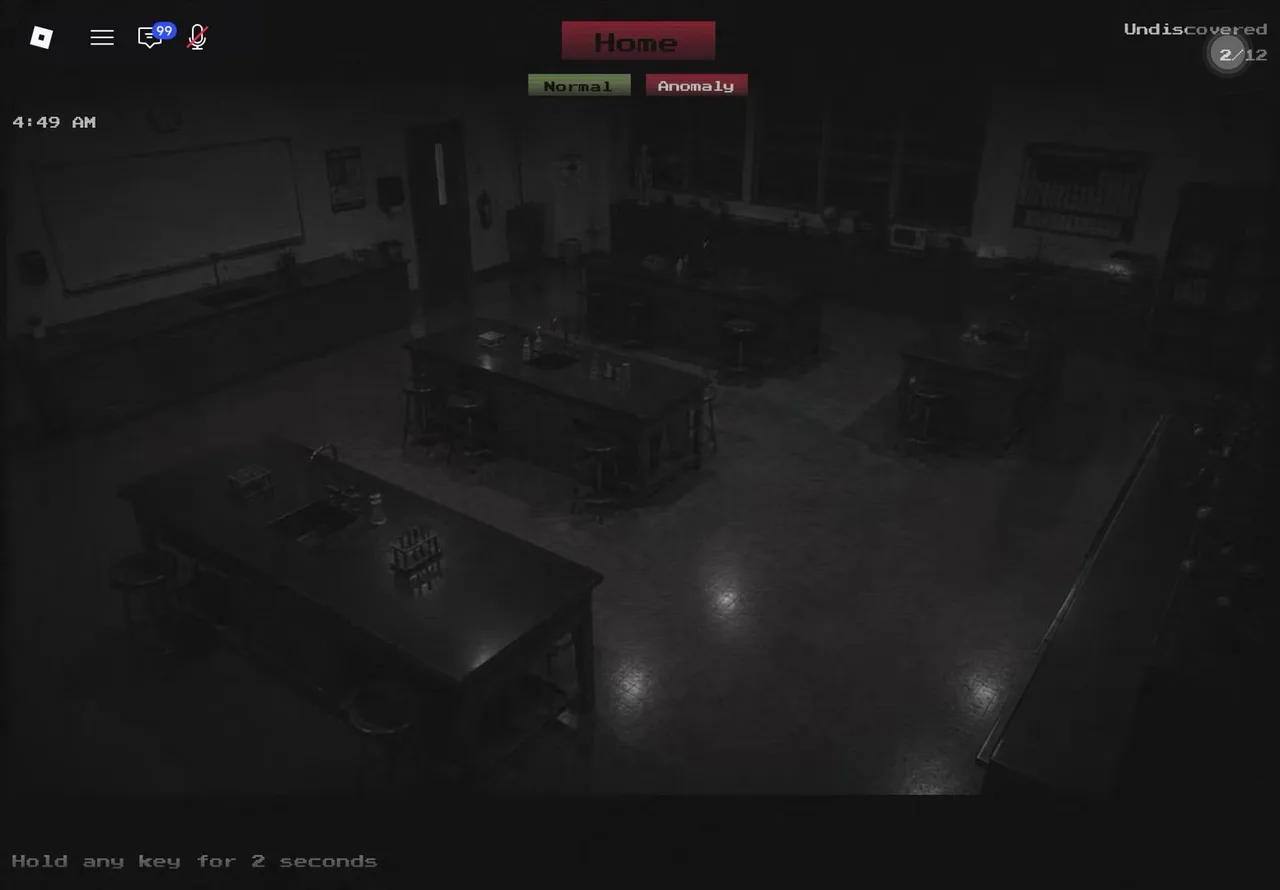
The report interface mid-shift: Normal / Anomaly judgment buttons, the “Undiscovered” counter top-right, and a “Hold any key for 2 seconds” confirm prompt. (Community gameplay capture.)
What happens when I report wrong?
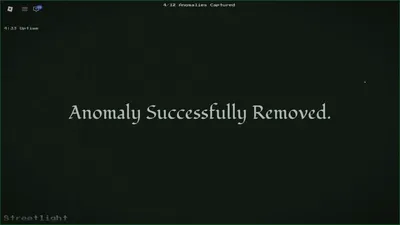
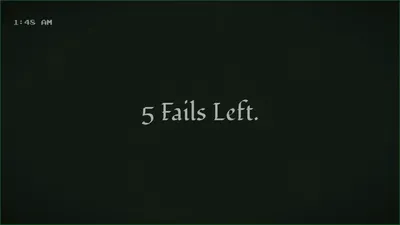
A wrong report — wrong category, or nothing actually there — consumes one fail. The game tells you the outcome immediately: a correct report flashes “Anomaly Successfully Removed”, while a call on a clean feed answers “There is no anomaly in this area” (and still costs the fail). Between actions the screen drops a “Searching for Anomalies…” interstitial, and the fail budget shows up as a “N Fails Left” screen — footage so far shows budgets starting at 5 fails. Run out and the client fires you: shift over, no money. Guessing is the most expensive move in the game. When you are unsure which category fits, check the anomaly types guide or burn a Type Scanner item instead of a fail.
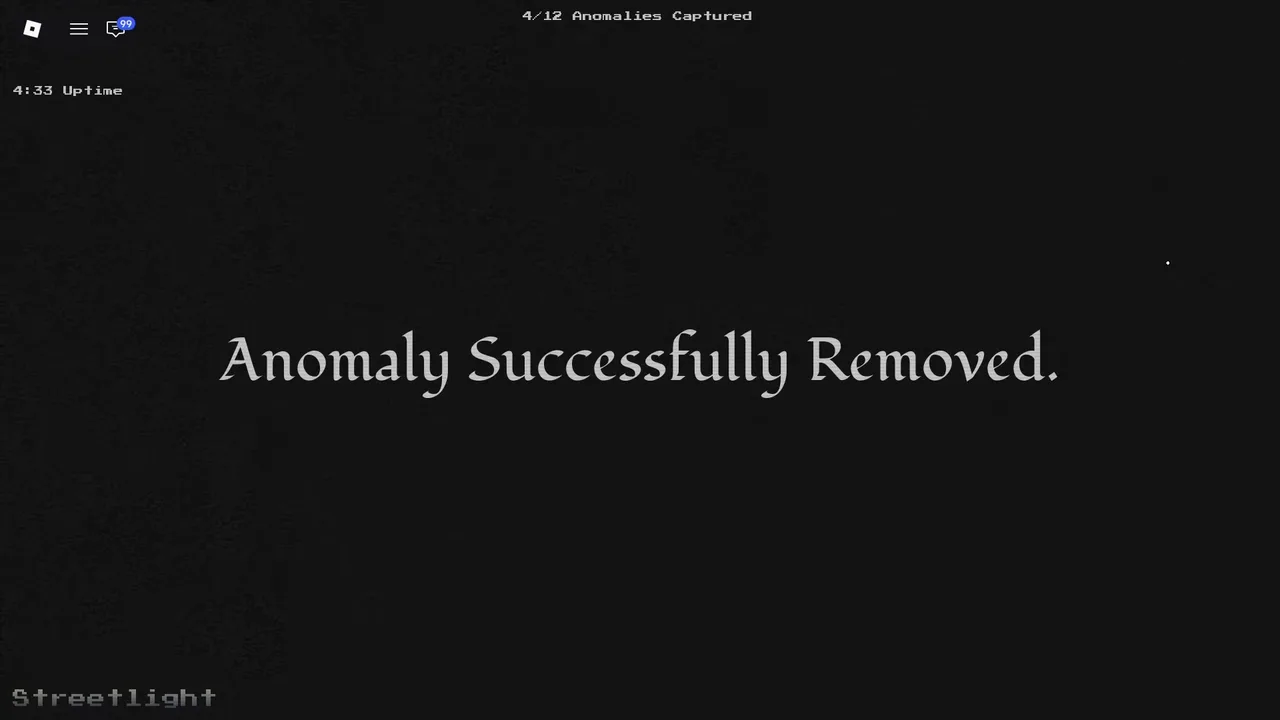
A correct call pays off instantly — “Anomaly Successfully Removed” and one step closer to quota. (Community gameplay capture.)
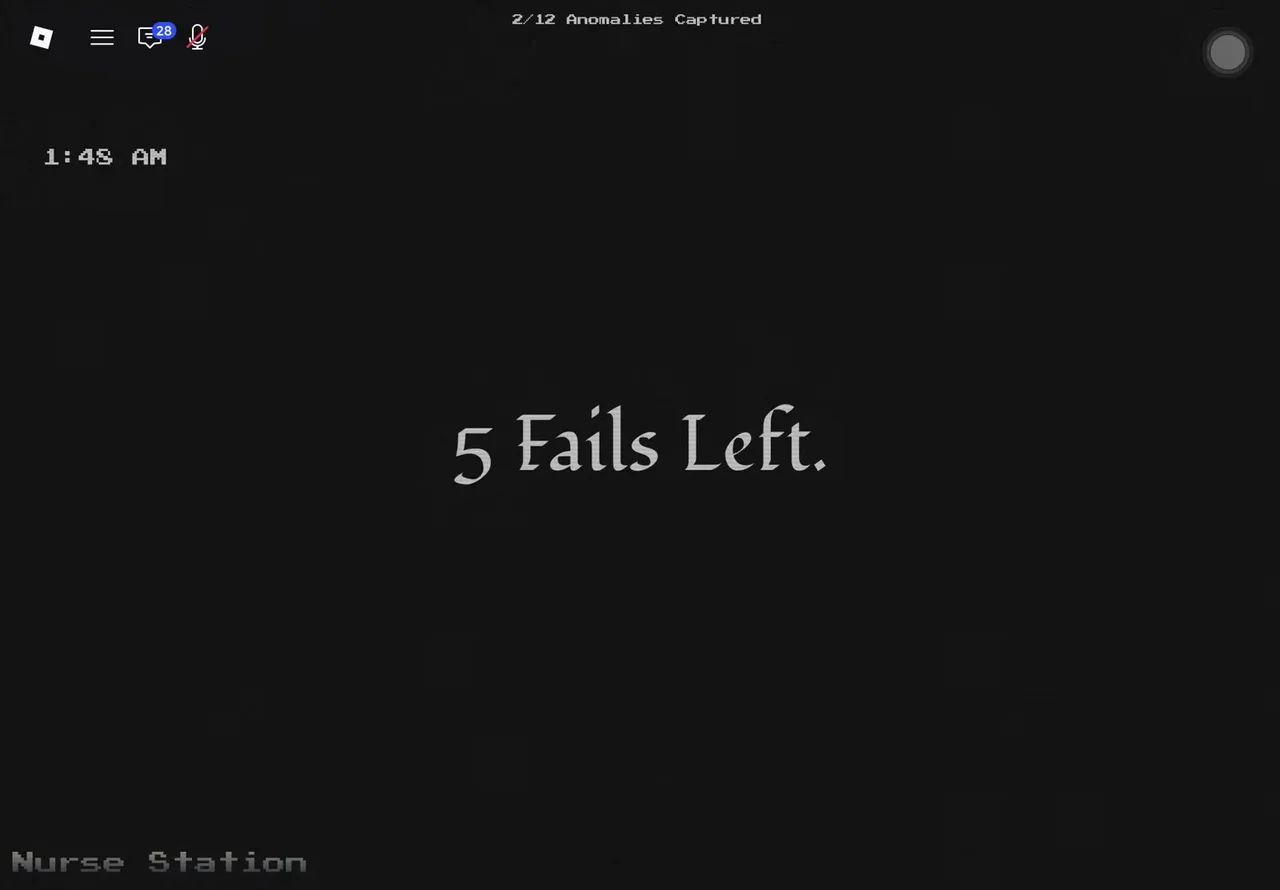
The fail-budget interstitial — five wrong reports and the shift is over. (Community gameplay capture.)
What does “overwhelmed” mean?
The other way to lose is doing nothing. Anomalies left active too long accumulate — let too many run at once and the site is overwhelmed, which also gets you fired. The tension is real: report too eagerly and you burn fails on misreads; report too slowly and the house fills up with problems.
What are the controls?
| Action | Input |
|---|---|
| Zoom in on a feed | Shift / L2 (controller) / double-tap (mobile) |
| Cycle cameras | On-screen room buttons (right side of the feed) |
| File a report | The Report button (top-right HUD) |
Two settings tips from the developer: wear headphones (audio cues matter), and you can disable the camera static effect in settings if it bothers your eyes — the game is designed to be playable either way.
How do I earn money?
Every shift pays out at the end — even a failed run pays, as long as you were not fired. Money is spent in the Store on the main menu on helper items ranging from a $25 single anomaly remover to the $2,500 permanent Anomaly Scanner. The lobby also offers a +$50 Free Ad Reward button for topping up between shifts, and tracks a Day Streak for consecutive play days.
Solo or co-op?
Both. Servers hold up to 8 players, and a co-op team watches the same feeds together — one person can call anomalies while another files reports. Solo is fully viable; co-op mostly buys you more eyes on more cameras at once. Once the standard loop clicks, Veteran mode is where the same skills get tested under harsher conditions.
Related Articles
Games Like Anomaly Detected on Roblox (And How They Differ)
Anomaly Detected vs other Roblox anomaly games — Animal Hospital, Home Alone, Keep the Door Locked. Which one you are playing and how they differ.
Anomaly Detected Veteran Mode Guide — What We Know
Veteran mode in Anomaly Detected — the hard difficulty confirmed by per-chapter badges, what is documented about it, and how to prepare for your first Veteran shift.
Was this helpful?
Thanks for the feedback!