The Residence Guide (Chapter 1) — Anomaly Detected
The Residence is Chapter 1 of Anomaly Detected — the first surveillance contract. Unlocks, badges, Journal, and tips for your first shift.
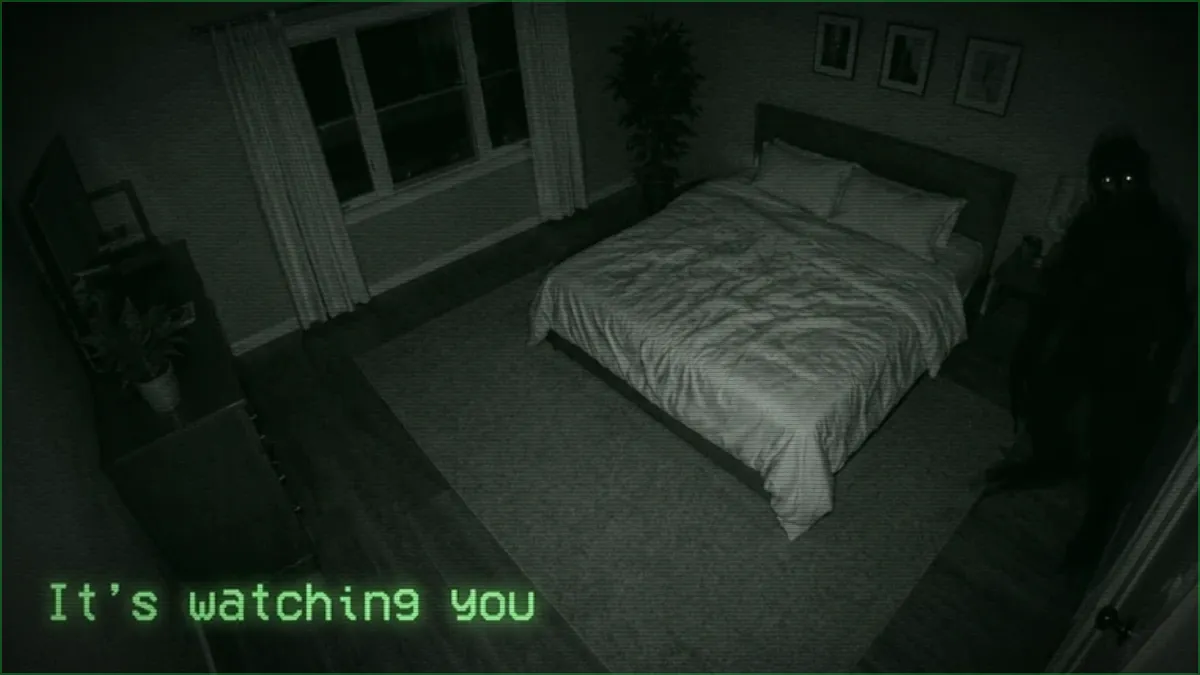
The Residence is where every contractor starts: the first client property, a single home wired with security cameras, and the gentlest introduction to the core loop. It went live June 28, 2026, three days after the game launched.
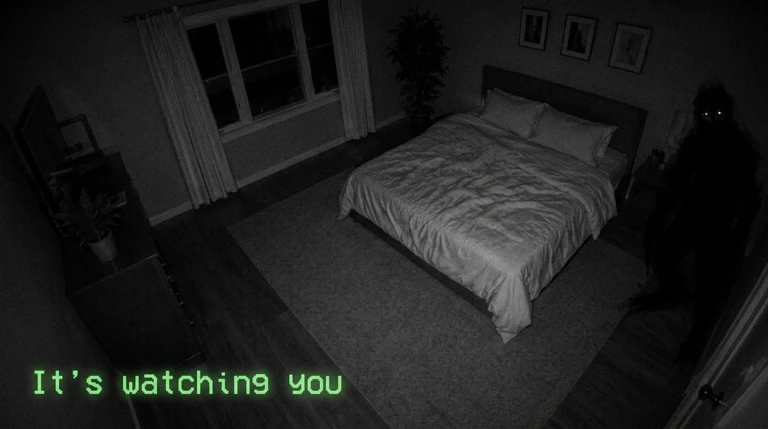
The Residence in night vision — and the thing that watches back. (Official screenshot.)
What is The Residence?
Chapter 1 of five (so far). A residential house reported for unsettling activity — your job is to monitor its camera feeds overnight, spot anomalies, and file correct reports until you hit quota. As the opening contract it is the most forgiving site — the right place to build the room-memorization habit every later chapter tests harder.
How do I unlock it?
You do not — The Residence is the starting contract, available from the tutorial onward. The unlock chain runs through it: finish a shift here on any difficulty and The Neighbourhood opens up.
What badges does The Residence have?
Three, like every chapter:
| Badge | Requirement | Rarity note |
|---|---|---|
| Completion | Finish a Residence shift | Common — the first badge most players earn |
| Veteran completion | Clear The Residence on Veteran mode | Uncommon |
| Journal 100% | Catalog every documented anomaly on this map | Ultra-rare — only 57 players have ever earned it |
That last number is worth pausing on: the Journal is a per-chapter collection of every known anomaly, and filling it means deliberately hunting rare spawns, not just surviving shifts. The Journal badges are the game’s true completionist content — see the badges guide for the full set.
What cameras does The Residence have?
Twelve feeds cover the property, shown as buttons on the report panel during a shift:
| Bedroom 1 | Bedroom 2 | Bathroom 1 |
| Bathroom 2 | Kitchen | Living Room |
| Laundry Room | Hallway | Garage |
| Porch | Basement Stairs | Basement Room |
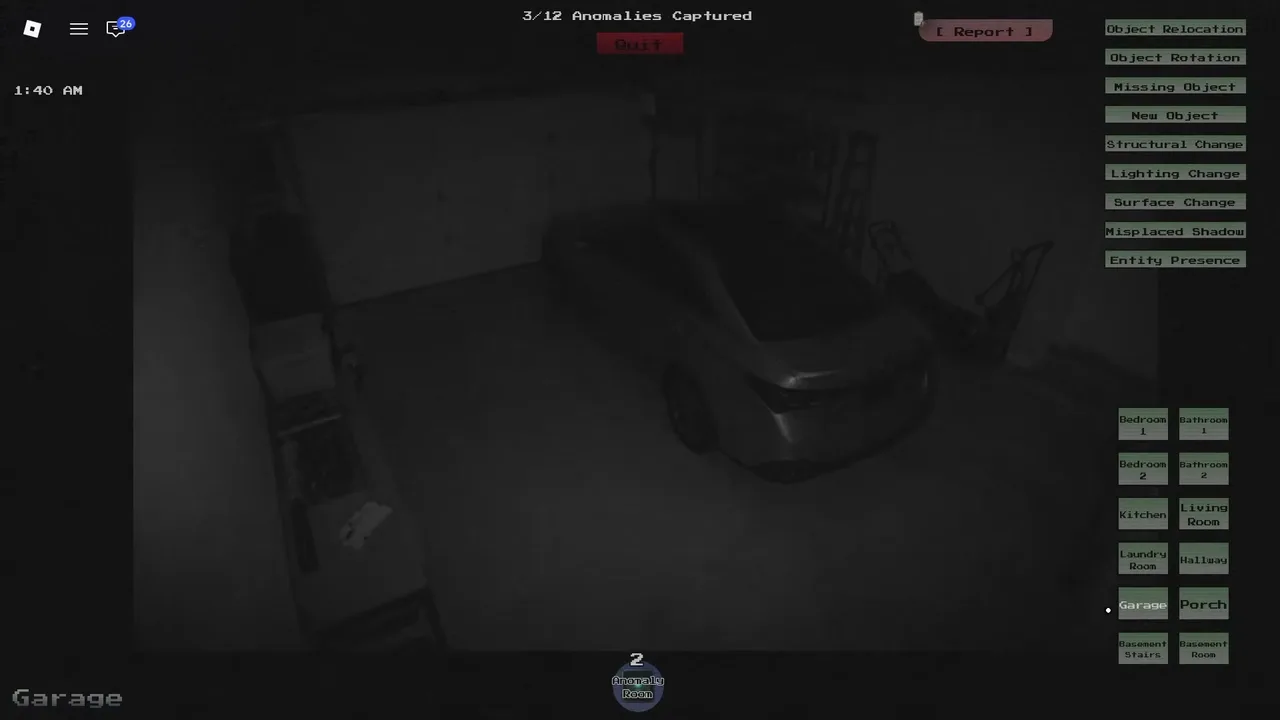
The Garage feed with the report panel open — all nine anomaly categories up top, all twelve room buttons below. (Community gameplay capture.)
Any tips for a first shift?
- Spend your first minutes memorizing, not reporting. Most Chapter 1 fails come from reporting something that was always there.
- Object anomalies dominate early play — moved, rotated, missing, and new items are the bread and butter of the anomaly categories.
- Do not panic-report. A wrong category costs a fail; a few extra seconds of checking costs nothing.
Room-by-room anomaly listings for The Residence are still being documented — the community has not published a verified Journal for any chapter yet. This page updates as the catalog fills in.
Related Articles
All Badges List — Anomaly Detected
All 16 badges in Anomaly Detected — Tutorial, chapter completions, Veteran mode clears, and Journal 100% badges, with the global earn counts that show real rarity.
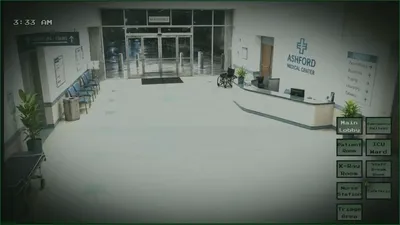
The Hospital Guide (Chapter 4) — Anomaly Detected
The Hospital is Chapter 4 of Anomaly Detected — released September 4, 2026 with the Unlimited Items pass. Unlocks, badges, Journal, and tips.
The Mall Guide (Chapter 5) — Anomaly Detected
The Mall is Chapter 5 of Anomaly Detected — announced for ~September 20, 2026, badges already live. Unlocks, badges, Journal, and what "half way there" means.
Was this helpful?
Thanks for the feedback!