All 9 Anomaly Types in Anomaly Detected Explained
Every anomaly type in Anomaly Detected — the 9 Anomaly Log report categories, what each looks like on camera, and how to stop burning fails.
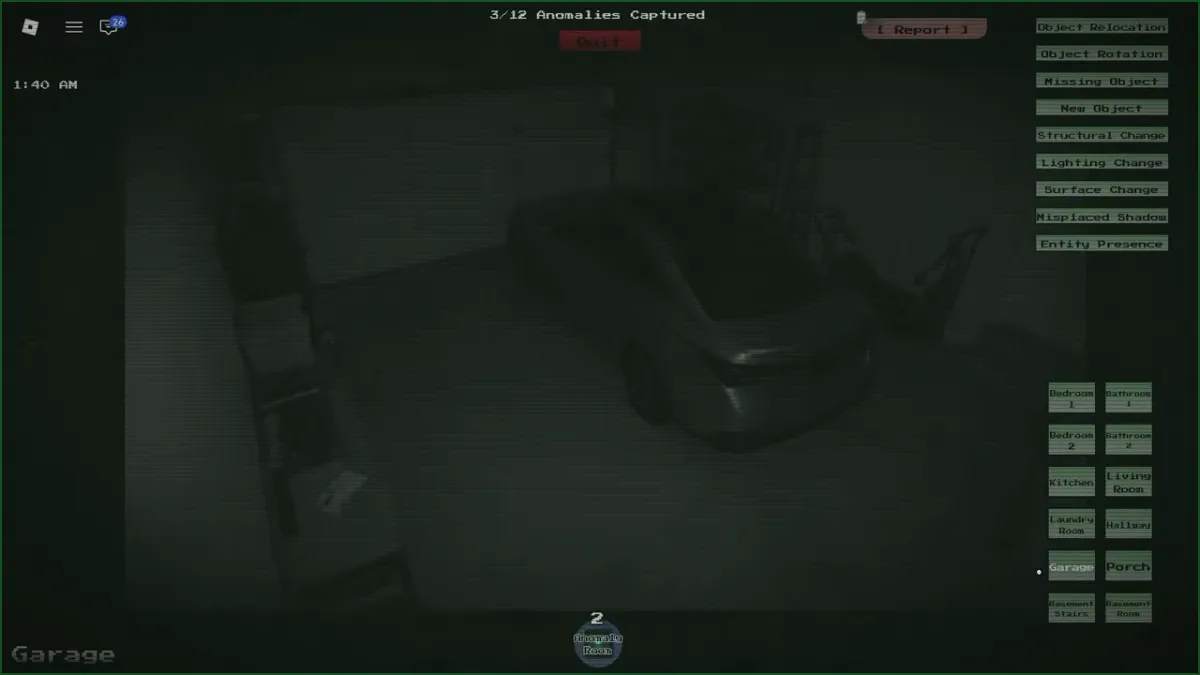
Every report you file forces a choice: which of the nine categories does this anomaly belong to? Pick right and the anomaly is removed toward your quota. Pick wrong and you burn a fail — run out of fails and the client fires you. Knowing the categories cold is the single highest-value skill in the game, ahead of reflexes, ahead of map knowledge.
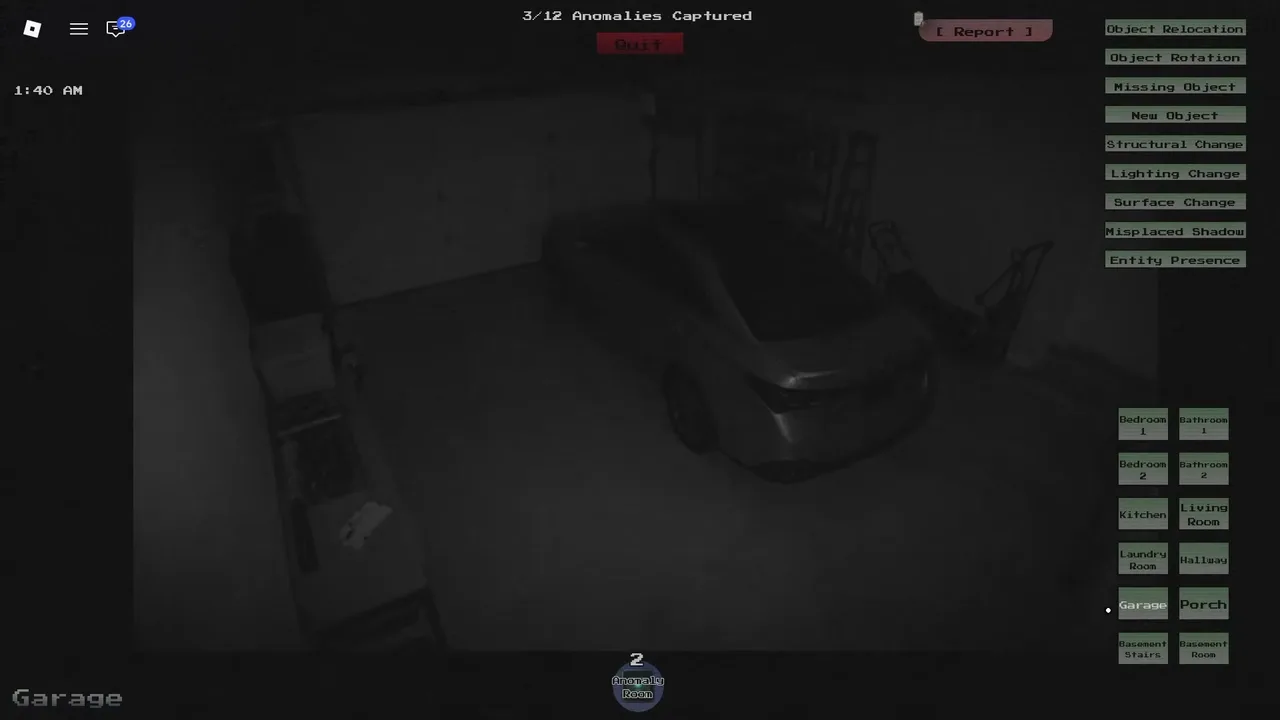
The report panel, unfiltered: all nine categories sit as buttons above the room list. (Community gameplay capture, The Residence Garage feed.)
What are the 9 anomaly categories?
1. Object Relocation
An existing object has moved to a different spot. The chair that was against the wall is now in the middle of the room. Learn each room’s default layout and these become free quota.
2. Object Rotation
An object is in the same spot but turned — rotated on its axis, flipped, or facing the wrong way. Easy to miss at feed distance; this is what the zoom (Shift / L2 / double-tap) exists for.
3. Missing Object
Something that was there is gone entirely. A lamp, a chair, a painting — absent where it should be. These read fastest during your memorization pass: count the big objects per room and a missing one jumps out.
4. New Object
Something appeared that was never there. An unfamiliar item sitting in a room you memorized. The counterpart to Missing Object, and the one most often confused with it — if the room looks “different” but you cannot name what left, look for what arrived.
5. Structural Change
A change to the building itself — a door that vanished, a wall that looks different, ceiling or floor alterations. Big, but easy to rationalize away (“was that door always there?”). Structural anomalies are why the memorization pass matters more than raw attention.
6. Lighting Change
A light that should be on is off — or vice versa. Subtle in bright rooms, glaring in dark ones. Note which lights are on per feed during your first pass; it takes seconds and catches a whole category for free.
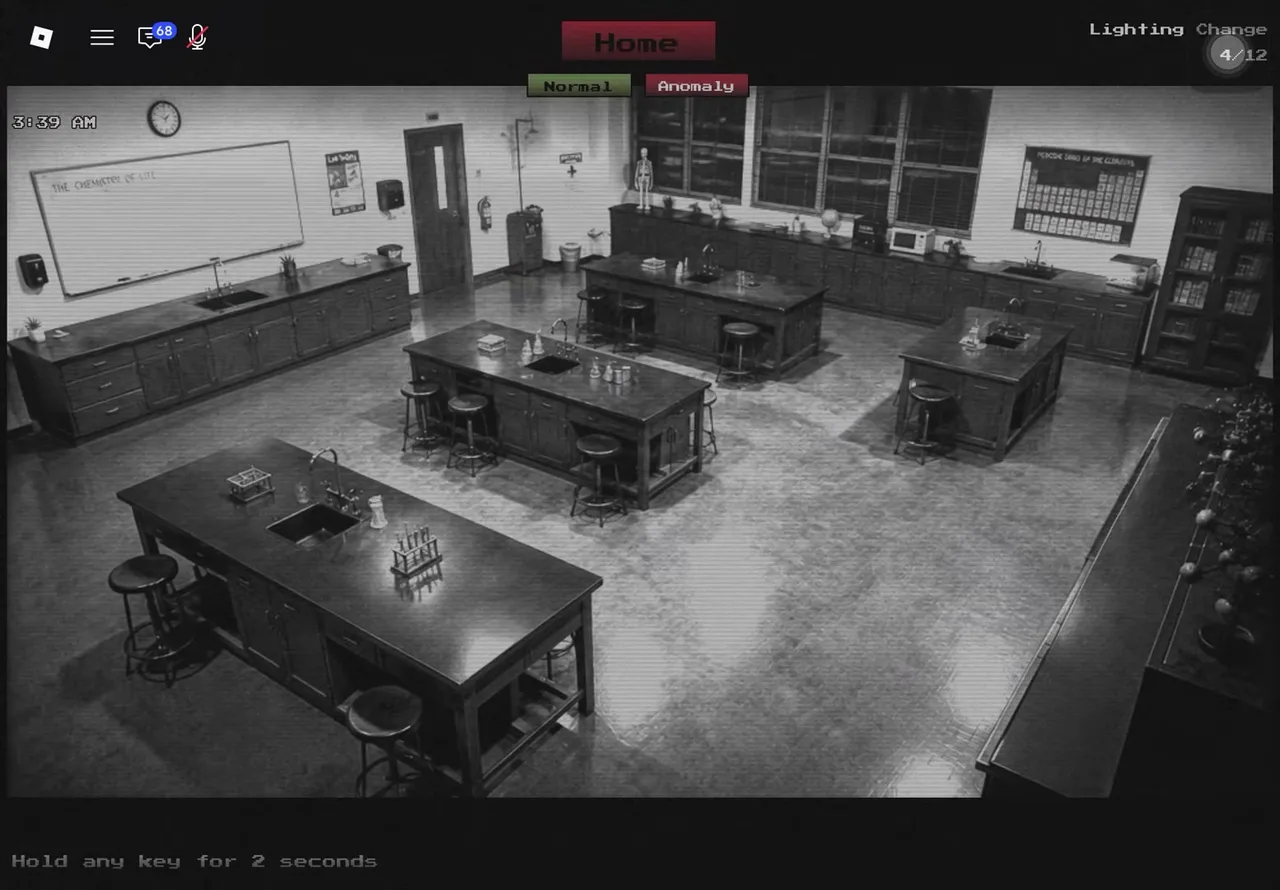
A Lighting Change on the record: The School’s Science Lab is supposed to be dark — here it is caught fully lit, tagged with its category and counter. (Community gameplay capture.)
7. Surface Change
A surface looks markedly different — stains, damage, texture or color shifts on walls, floors, or large furniture. The subtlest of the environment categories; when a room feels “off” but nothing moved, compare surfaces.
8. Misplaced Shadow
A shadow with no caster, or an existing shadow that changed shape. The horror-game special: a shadow on the wall with nothing throwing it is a report, not ambiance. Check the light sources before filing — a Lighting Change can also produce odd shadows.
9. Entity Presence
A creature or figure in the frame. The least ambiguous category — you know these when you see them. Verified captures include the glowing-eyed intruder in The Residence’s bedroom (the game’s own promo shot) and the hooded figure below in The School’s library. Entities are an easy +1 to your capture counter if you file them promptly instead of staring.
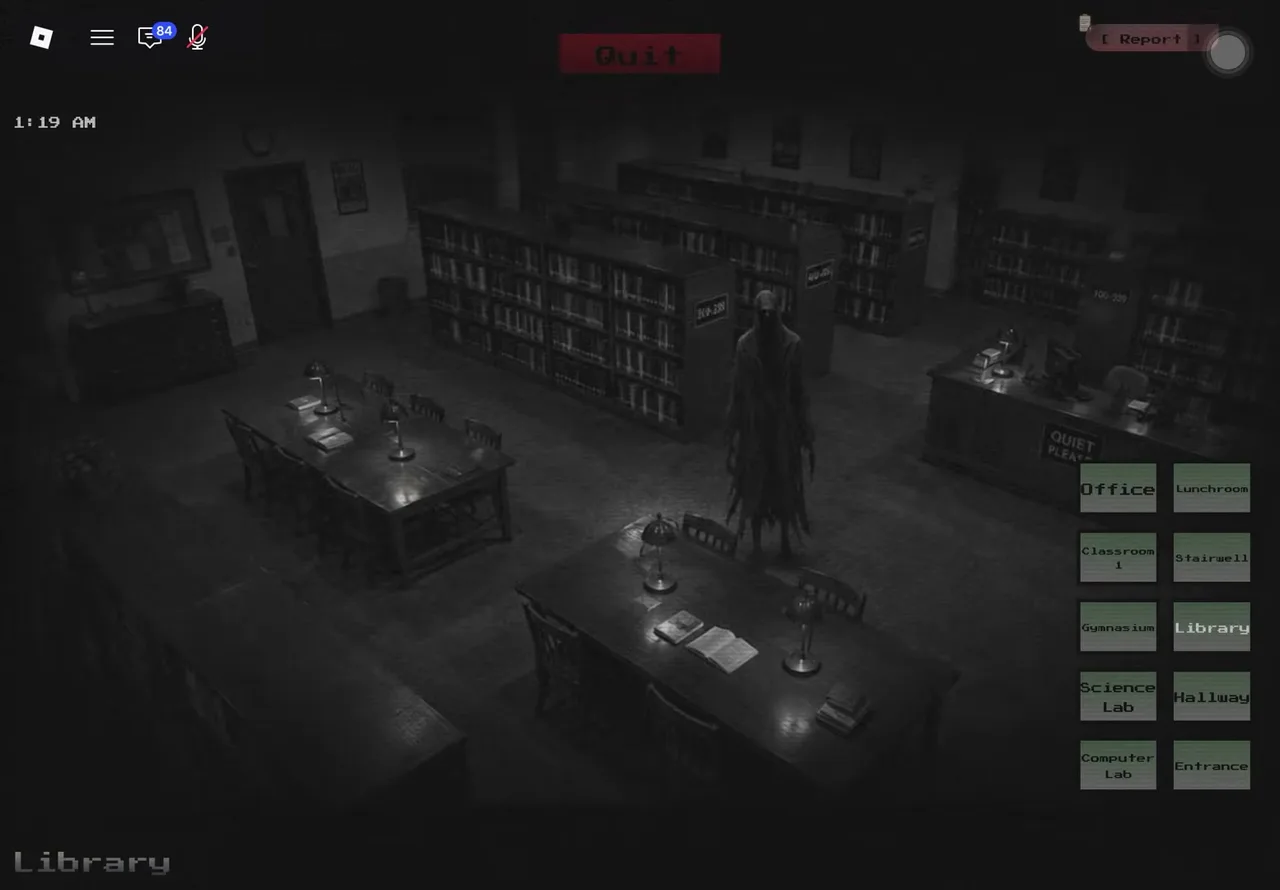
Entity Presence on the Library feed, 1:19 AM — the figure was not part of the room a moment earlier. (Community gameplay capture.)
How do I stop burning fails on wrong categories?
- When torn between two types, verify first. A second camera pass costs nothing; a wrong category costs a fail. The how to play guide covers the fail economy.
- Relocation vs Rotation: the object moved position → Relocation; same spot, different facing → Rotation.
- Missing vs New: count the room. Fewer items than memorized → Missing; an extra item → New.
- Structural vs Surface: the architecture itself changed (door/wall/ceiling) → Structural; a texture or marking changed → Surface.
- Shadow vs Lighting: a shadow with no caster → Misplaced Shadow; a light state flipped → Lighting Change.
- Still unsure? The $85 Anomaly Type Scanner from the store reveals active anomaly categories — cheaper than a fail on a tight shift.
What is the Journal?
Each chapter has a Journal — a collectible catalog of every documented anomaly on that map. Filling it is the game’s endgame: Journal 100% badges exist per chapter and are vanishingly rare (four players worldwide on The Hospital). No verified public Journal exists for any chapter yet — the community catalog is literally being written as you read this. As entries get confirmed, they will be documented here per chapter.
Related Articles
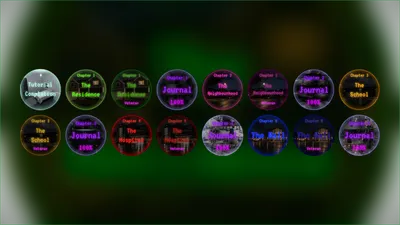
All Badges List — Anomaly Detected
All 16 badges in Anomaly Detected — Tutorial, chapter completions, Veteran mode clears, and Journal 100% badges, with the global earn counts that show real rarity.
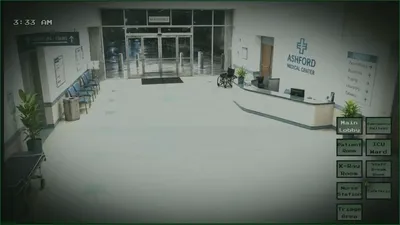
The Hospital Guide (Chapter 4) — Anomaly Detected
The Hospital is Chapter 4 of Anomaly Detected — released September 4, 2026 with the Unlimited Items pass. Unlocks, badges, Journal, and tips.
The Mall Guide (Chapter 5) — Anomaly Detected
The Mall is Chapter 5 of Anomaly Detected — announced for ~September 20, 2026, badges already live. Unlocks, badges, Journal, and what "half way there" means.
Was this helpful?
Thanks for the feedback!